
Autofill Repetitive Web Forms with Your Own LLM
Your knowledge base stays local, and requests go only to the endpoint you configure.



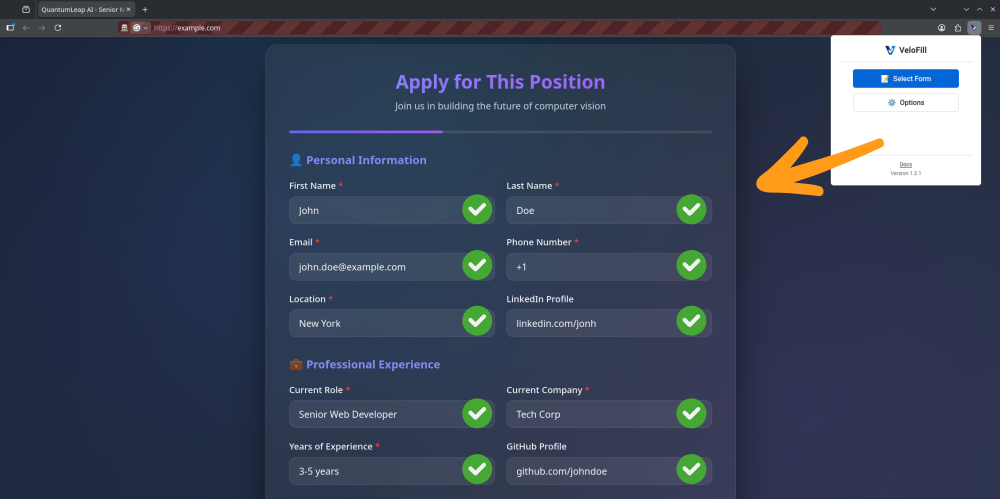
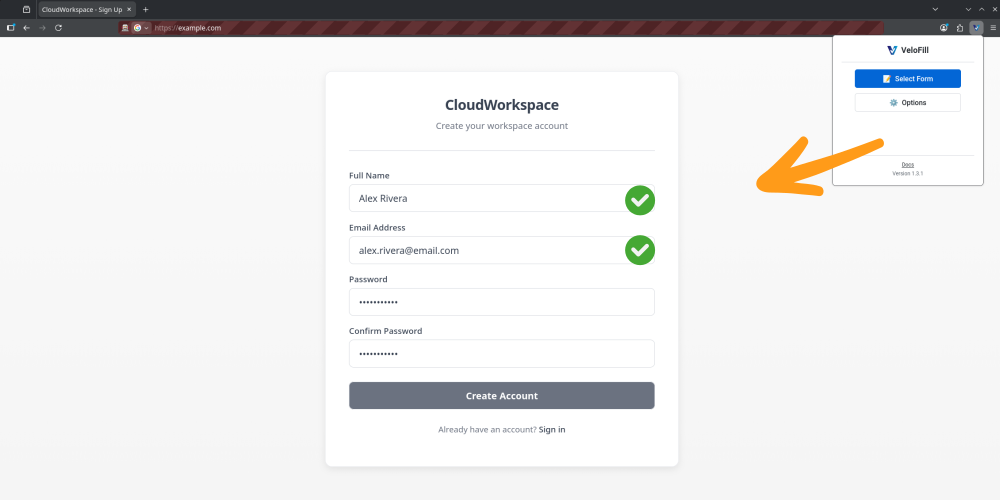
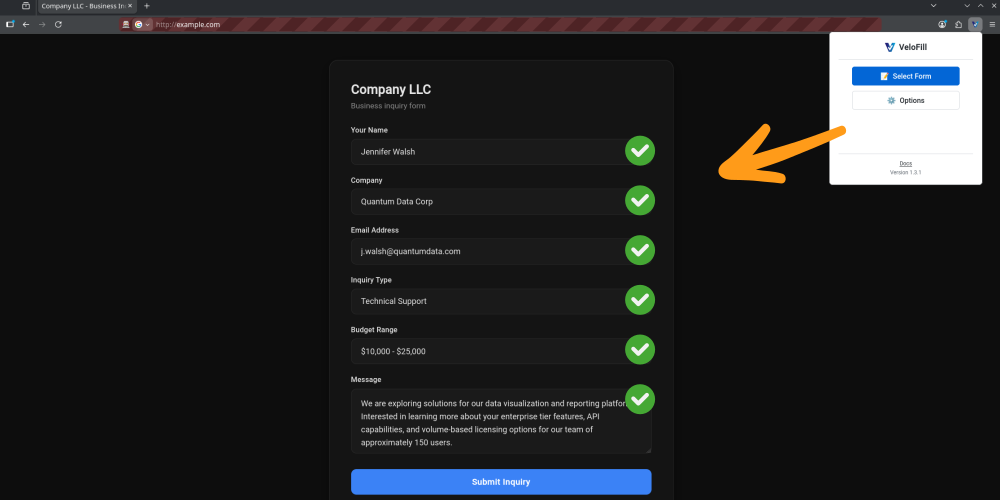
Start in 2 minutes
Install the extension, connect your model, and run your first autofill.
Install the extension
Works on Chrome, Firefox, and Edge.
Connect your LLM
Add any OpenAI-compatible endpoint and pick a default model.
Run your first autofill
Select a form and knowledge base, run autofill, then review before submit.
Need setup details? Read the Documentation.
See VeloFill in Action
Watch how VeloFill analyzes and fills complex forms using AI in real workflows.
Everything You Need for Smarter Browsing
Free Extension
VeloFill is free to install and use. Bring your own OpenAI-compatible LLM; you control any model costs.
Bring your own AI
VeloFill connects to any OpenAI-compatible service—commercial, Azure-hosted, or local. Add multiple connections, keep work and personal keys separate, and choose a default in seconds.
Your private knowledge base
All your information is stored securely in a private knowledge base on your own computer, not in the cloud.
Per-KB Routing
Assign a specific connection to each knowledge base or let it inherit the default. Every form is powered by the right API key automatically.
Intelligent Field Recognition
VeloFill analyzes a form's structure, labels, and surrounding text to understand each field in context. This helps it distinguish between 'First Name' and 'Last Name' and map answers for longer fields like 'Cover Letter'.
Customizable Instructions
Tailor Prompt Instructions per knowledge base to match tone, formatting, or compliance needs before the model fills anything in.
Fast Autofill
Fill many forms quickly with one click or a keyboard shortcut. Speed depends on the page and model you choose.
Secure by Design
Your knowledge base stays on your device. Enable vault encryption to lock knowledge bases and API keys with a master password, and send requests over HTTPS only to the endpoints you configure.
Who Benefits from VeloFill
Professionals and Job Seekers
Automatically fill repetitive application forms such as job applications, account sign-ups, or SaaS onboarding forms using your private knowledge base.
Customer Support and Sales
Accelerate filling CRM or ticketing forms with personalized, accurate information while preserving privacy and control.
Content Creator and Social Media Management
Automate submission forms and posting workflows across platforms to boost productivity.
Academic and Research Data Entry
Automate data entry for online surveys and academic portals with improved accuracy and consistency.
FAQ
Is VeloFill free to use?
Yes. The extension is free; you only pay your chosen LLM provider if applicable.
Which LLMs does it support?
Any OpenAI-compatible API endpoint (hosted or local).
Where is my data stored?
Locally on your device. VeloFill has no server in the form-filling data path.
Is my API key safe?
Your key is stored locally and sent only to your configured endpoint over HTTPS.
Can I encrypt my data?
Yes. Turn on vault encryption in Options to protect knowledge bases and connection details with a master password. See the Encryption guide for setup.
Does it work offline?
Knowledge base access works locally; LLM calls require network.
Which browsers are supported?
Chrome, Firefox, and Edge.
How fast is it?
Many forms fill quickly with one click or a shortcut; speed depends on page and model complexity.
Can I use different profiles?
Yes—create separate knowledge bases for work, personal, or clients and link each one to the best LLM connection.
Can I backup or sync my knowledge bases?
Yes—use the import/export feature in Options to back up your knowledge bases or sync them across different browsers.
Does VeloFill work on pages behind login walls?
Often, yes. VeloFill works on many pages you can access, including authenticated portals, dashboards, and internal systems. Some cross-origin iframes or heavily scripted widgets may require manual input.
Screenshots

Manage multiple LLM connections, test endpoints, and choose models.

Organize your local knowledge bases.

Select the best knowledge base before autofilling a form.

Watch VeloFill analyze complex forms with AI.

Import or export knowledge bases to sync across browsers.

Launch the popup to review fields before autofilling a form.
Save Minutes On Every Form
Install VeloFill free and start autofilling right away. Your knowledge base stays on your device.